> ## Documentation Index
> Fetch the complete documentation index at: https://docs.lavita.ai/llms.txt
> Use this file to discover all available pages before exploring further.
# Get started
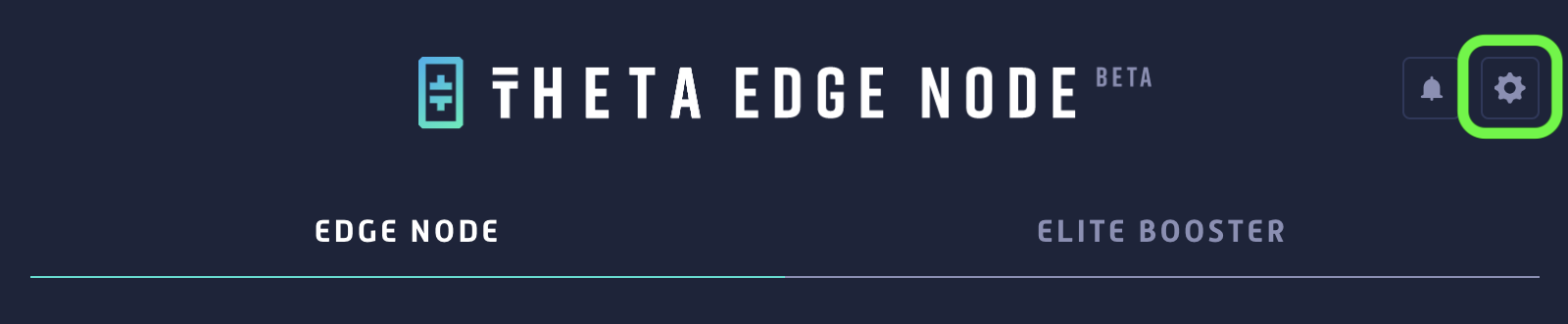
To run Lavita AI Jobs, you first need to install the [Theta Edge Node](https://docs.thetatoken.org/docs/setup-theta-edge-node). Once you launch the app, it will automatically create a wallet for new users, while existing users will be connected to their existing wallets. Now, go to **Settings**.
 Enable **Lavita (AI/ML)**, and save your settings.
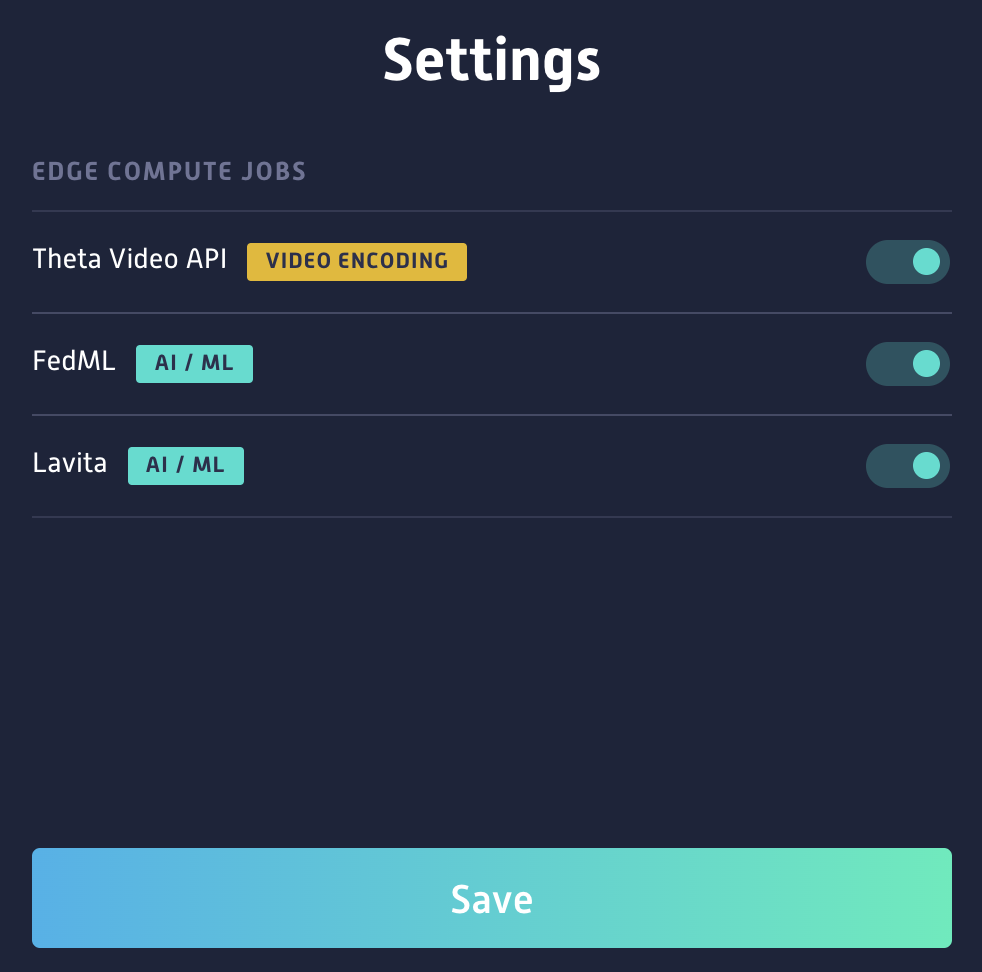 Once saved, your device will start receiving AI jobs.
 Once a job is completed, rewards remain unconfirmed until the job is processed and validated.
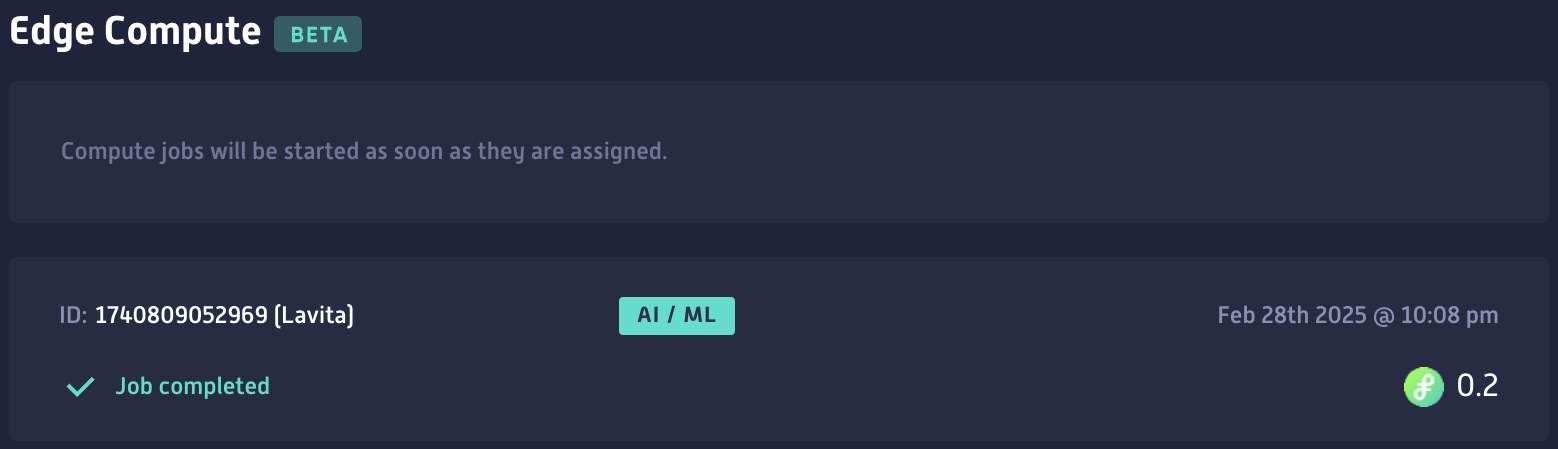 Each node (wallet address) can run Lavita AI jobs **every five hours**. Payouts are batched and sent during the first week of each month.
## Rewards Calculation
Your reward amount is based on two key factors:
1. **GPU Usage** – Whether your Edge Node (EN) is utilizing a GPU and the type of GPU in use.
2. **Elite Edge Node (EEN) Status** – If your EN qualifies as an Elite Edge Node (EEN), meaning you’ve staked in this EN, you earn additional rewards.
ENs that both **use a GPU** and **qualify as an Elite Edge Node** receive **higher rewards**.
Each node (wallet address) can run Lavita AI jobs **every five hours**. Payouts are batched and sent during the first week of each month.
## Rewards Calculation
Your reward amount is based on two key factors:
1. **GPU Usage** – Whether your Edge Node (EN) is utilizing a GPU and the type of GPU in use.
2. **Elite Edge Node (EEN) Status** – If your EN qualifies as an Elite Edge Node (EEN), meaning you’ve staked in this EN, you earn additional rewards.
ENs that both **use a GPU** and **qualify as an Elite Edge Node** receive **higher rewards**.